Screenshots


|
This article's content is incomplete or a placeholder stub. |
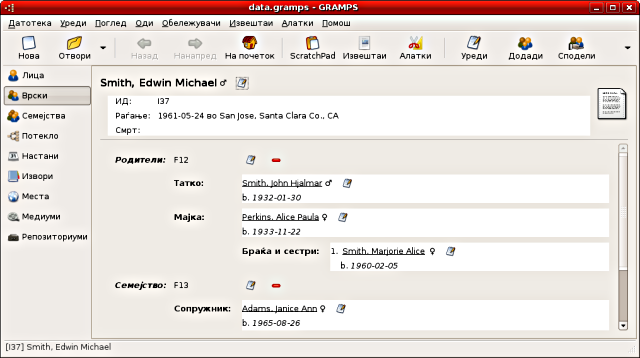
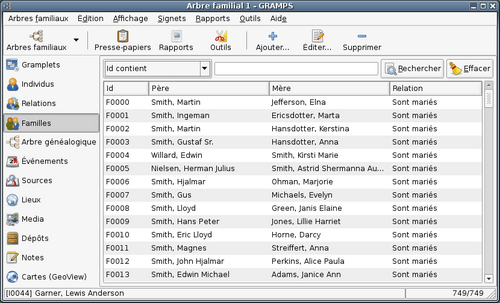
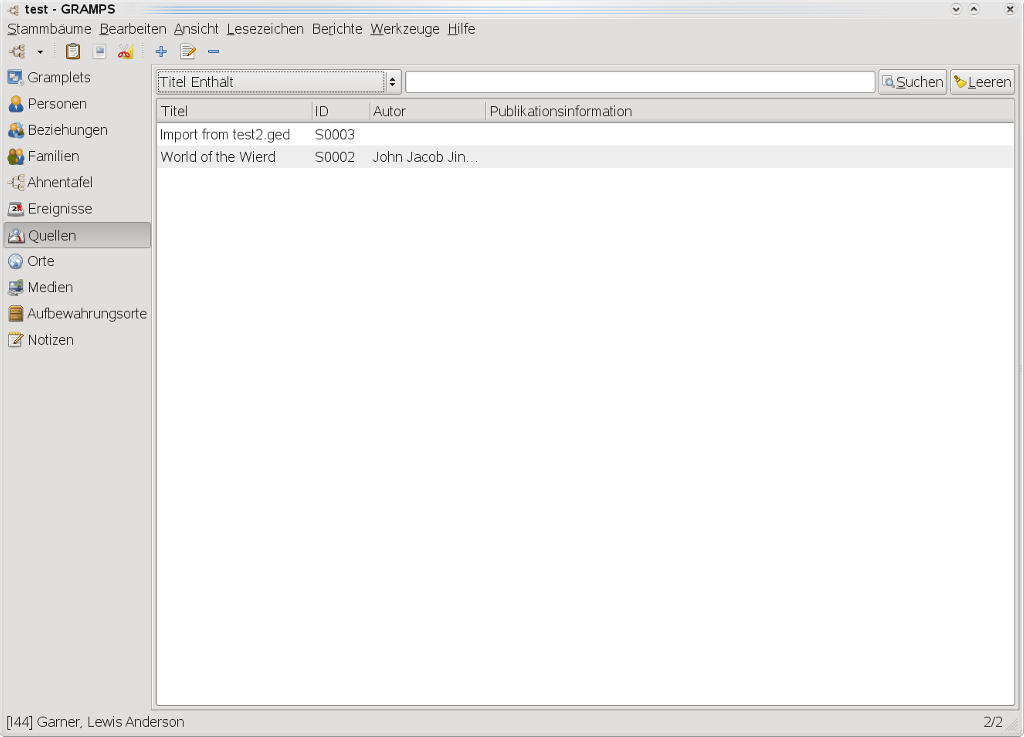
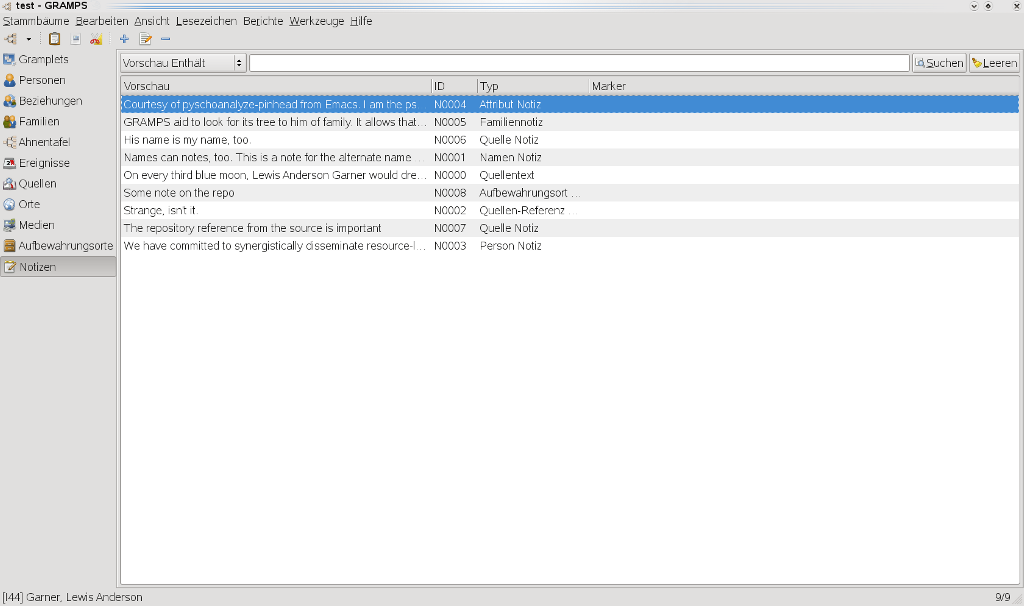
Reference gallery of available screenshots in different languages and versions. Generally used for documentation and illustration of the user manual.
Contents
- 1 Preferred naming scheme
- 2 Image names used for wiki-documentation
- 3 Gramps Screenshots Gallery
- 3.1 Gramps Views
- 3.2 Gramps Editors and Dialogs
- 3.2.1 Family Tree Manager
- 3.2.2 Person Editor
- 3.2.3 Person Selector
- 3.2.4 Family Editor
- 3.2.5 Family Selector
- 3.2.6 Child Reference Editor
- 3.2.7 Event Editor
- 3.2.8 Event Reference Editor
- 3.2.9 Source Editor
- 3.2.10 Source Reference Editor
- 3.2.11 Media Editor
- 3.2.12 Media Reference Editor
- 3.2.13 Place Editor
- 3.2.14 Repository Editor
- 3.2.15 Note Editor
- 3.2.16 Name Editor
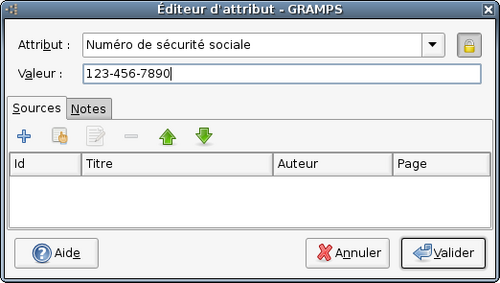
- 3.2.17 Attribute Editor
- 3.2.18 Address Editor
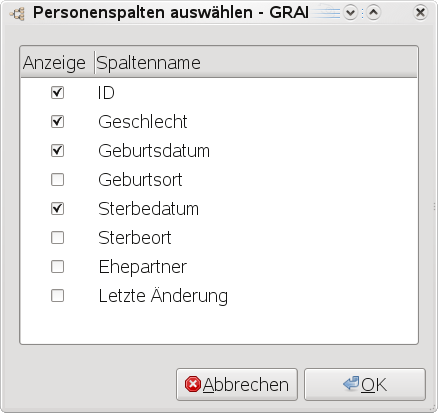
- 3.2.19 Column Editor
- 3.2.20 Relation reordering dialog
- 3.2.21 Exporter
- 3.2.22 Warning dialog
- 3.2.23 Date Editor
- 3.2.24 Merge
- 3.2.25 Bookmarks
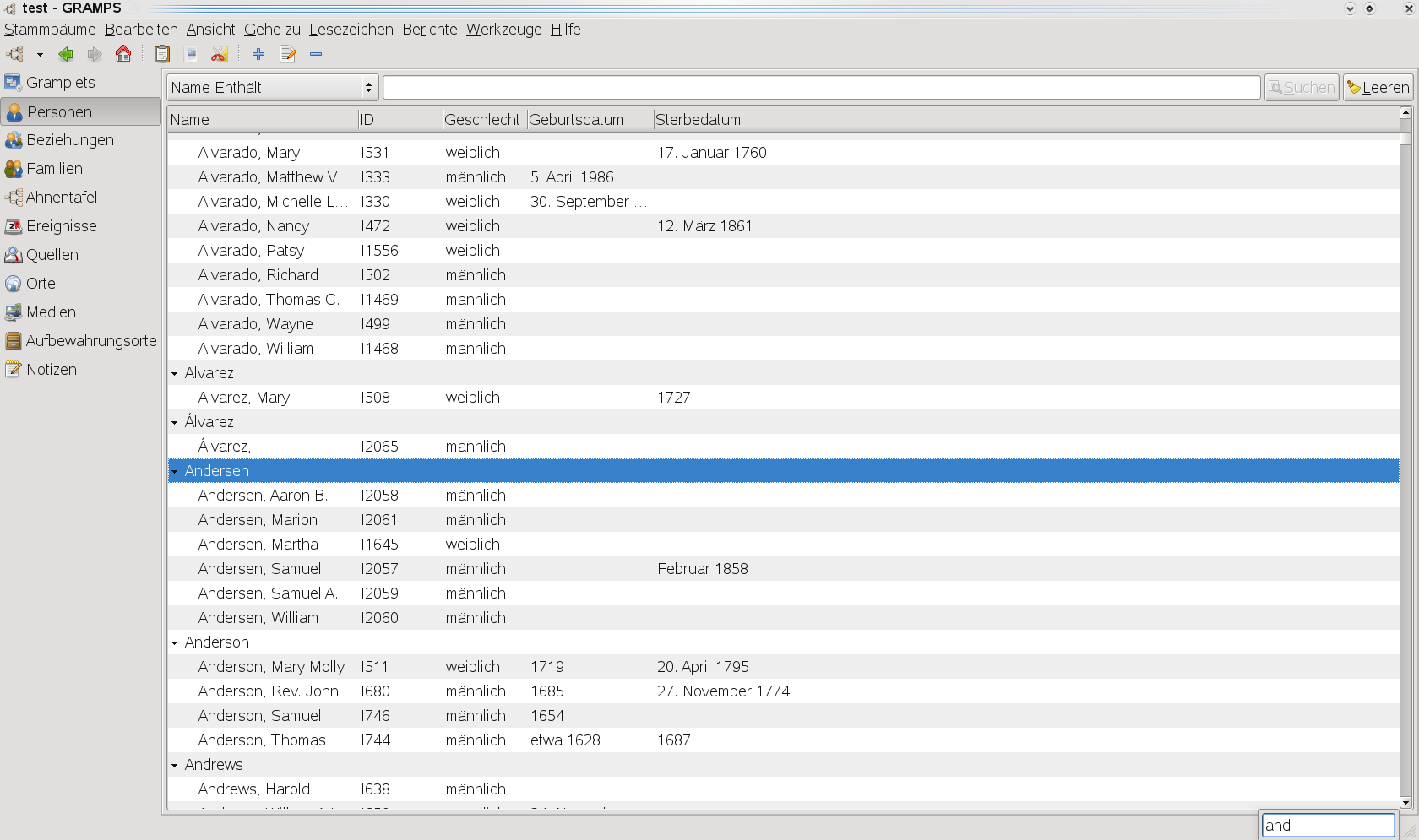
- 3.2.26 Search & Find
- 3.2.27 Clipboard
- 3.2.28 File Selector
- 3.3 Gramps Reports
- 3.4 Gramps Tools
- 4 Edit Preferences
Preferred naming scheme
Please refer to Translating the Gramps User manual#Translating which suggests a naming scheme, for example:
filename-{gramps version number}-{locale}.png
Where gramps version number is the first two digits of your gramps version and locale is your two letter language code.
See:
|
|
Gramps manual version 2. Some deprecated screenshots may be added on this list. |
|
|
A command for nice screenshots using ImageMagick for Linux. This creates a fully compressed (-quality 100), timed screenshot after 2 seconds (-delay 200) of size 500 pixels wide for printing on A4 page (-resize 500), with resolution 100 (-density 100x100), with the window frame attached (-frame) in RGB mode (-channel RGB) and bbp 24 (-depth 8). This creates images of 5 inches wide, which fit nicely on a book page, as well as on a HTML page. import -quality 100 -trim -delay 200 -density 100x100 -frame -channel RGB -depth 8 screenshot.png |
Image names used for wiki-documentation
See the current user manual for image names.
Gramps Screenshots Gallery
Gramps Views

3.0.x

2.0.x

2.2.x

3.0.x

4.1.x

5.0.x

5.2.x

6.0.x


Dashboard View

4.2.x main window

5.0.x main window

5.2.x main window

6.0.x main window


Gramplets View
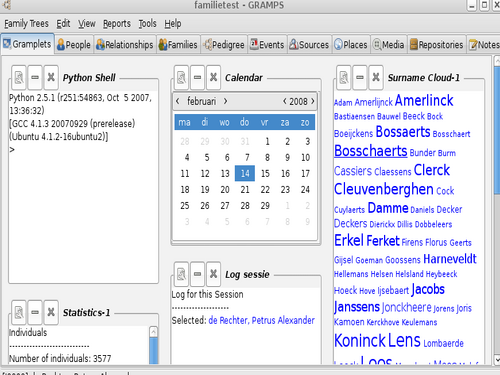
Gramplets view

Gramplets View

Detached Gramplets View

Data Entry Gramplet

Descendant Gramplet

Welcome Gramplet

Top 10 Surnames
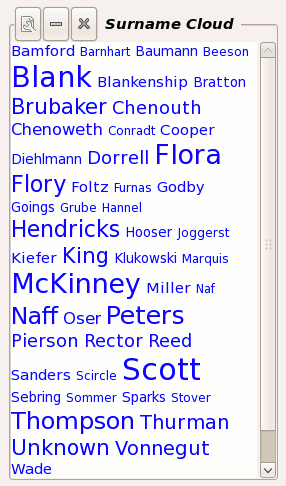
Surname Cloud

TODO Gramplet
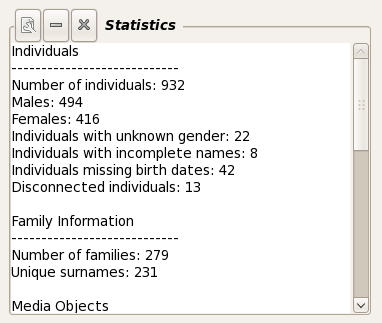
Statistics Gramplet

Figure: Pedigree Gramplet

Python Shell

Quick View Gramplet

News Gramplet

Session Log Gramplet

Calendar

Age On Date Gramplet

Age On Date Quick Report

Relatives Gramplet


Person View
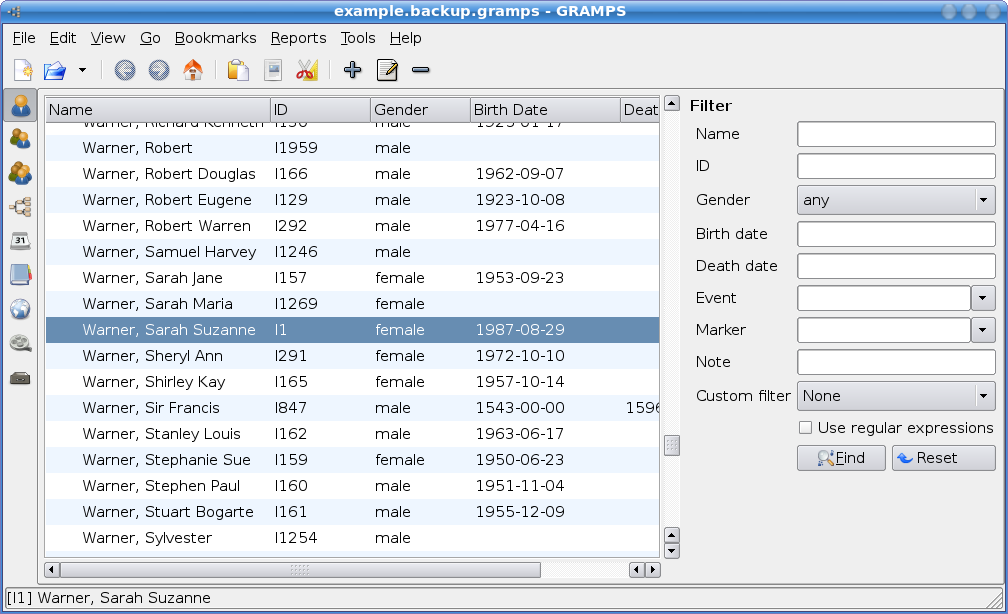
People View with small left sidebar and filter sidebar

quick report

Main window 2.0.x

Main window 2.2.x

Main window 3.0.x


Relationships View


Family View

Pedigree View
Chart View previously called Pedigree View.

after CSV import

Animal Pedigree


Events View

Sources View


Media View

Places View

Repositories View

Notes View

Gramps Editors and Dialogs
Family Tree Manager
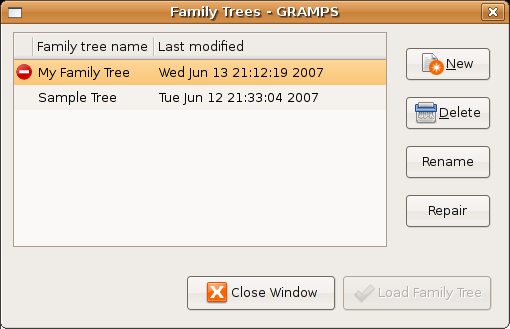


Selecting a version to restore

Restored version

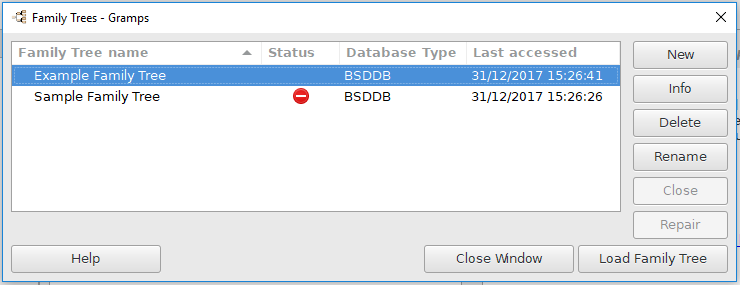
Repairing a Family Tree


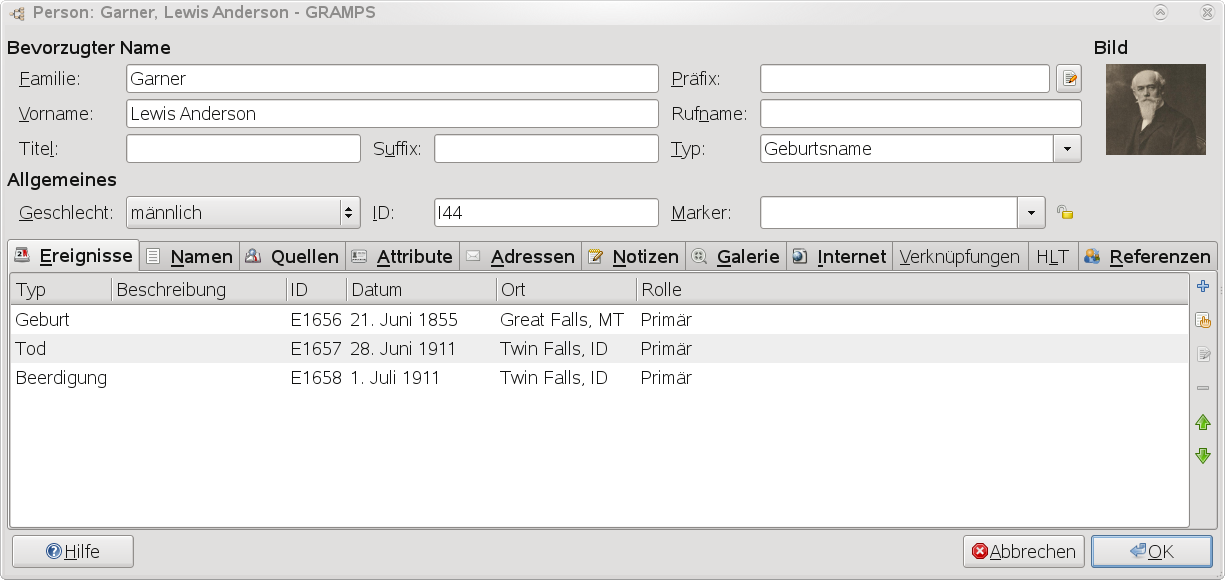
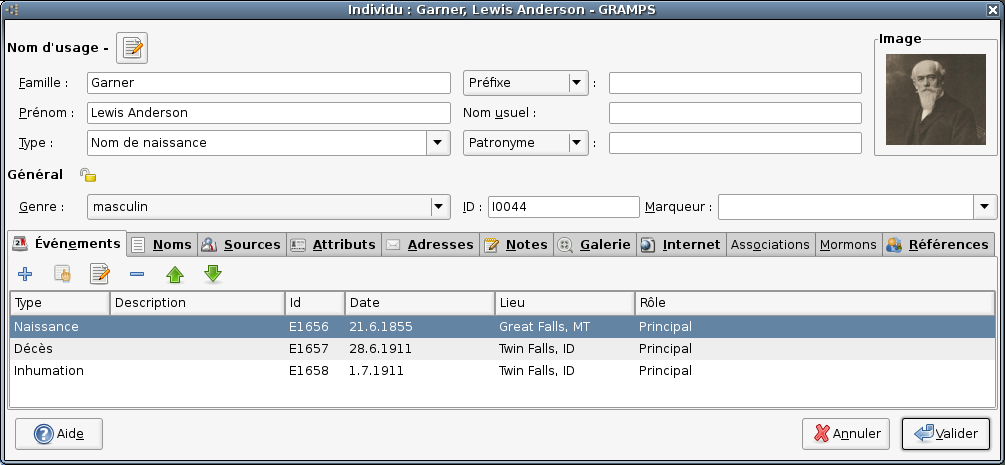
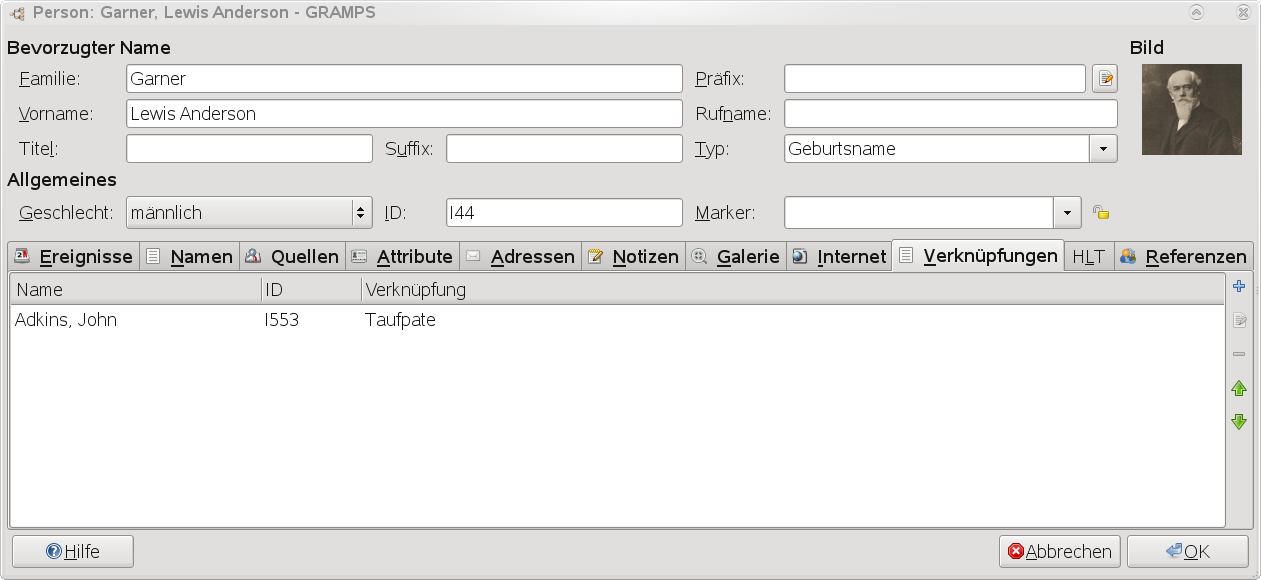
Person Editor

Animal

quick report


Person Selector

Family Editor


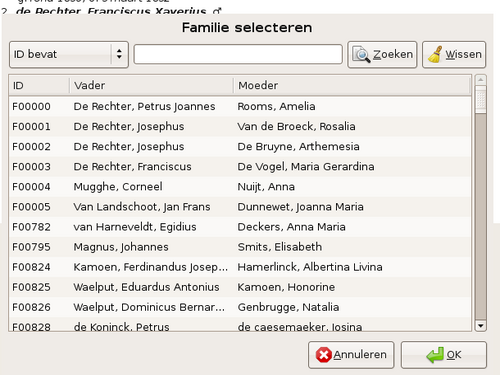
Family Selector

Child Reference Editor

Event Editor

Event editor (3.0)


Event Reference Editor

Edit Event Reference


Source Editor

Source editor


Source Reference Editor
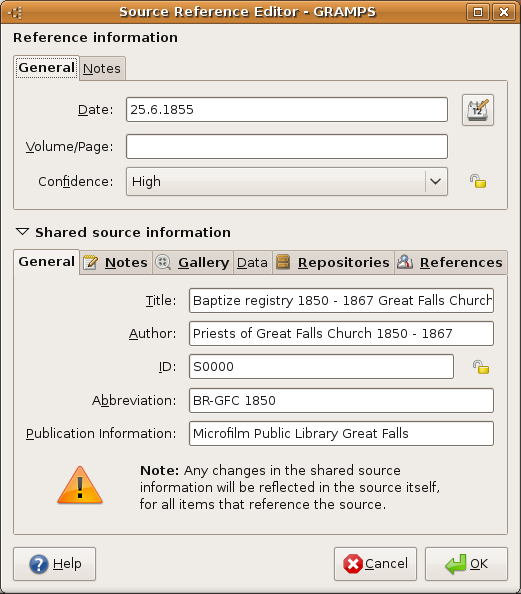
Source information


Media Editor
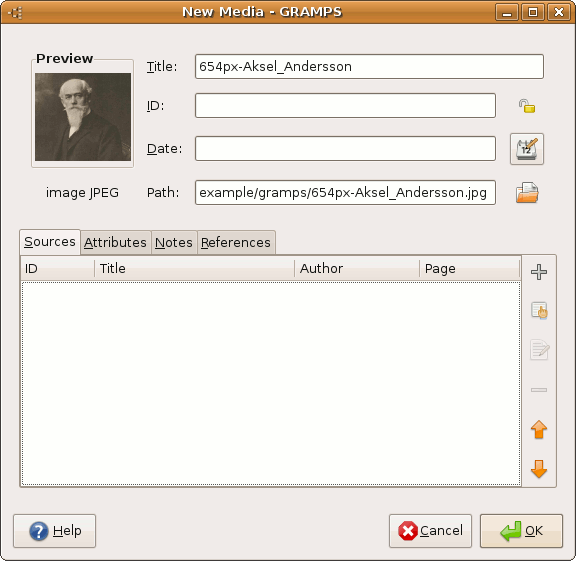
Edit Media Properties (3.0)


Media Reference Editor

Place Editor


Repository Editor

Note Editor

Note editor (3.1)


Name Editor

Attribute Editor

Attribute editor (3.0)


Address Editor

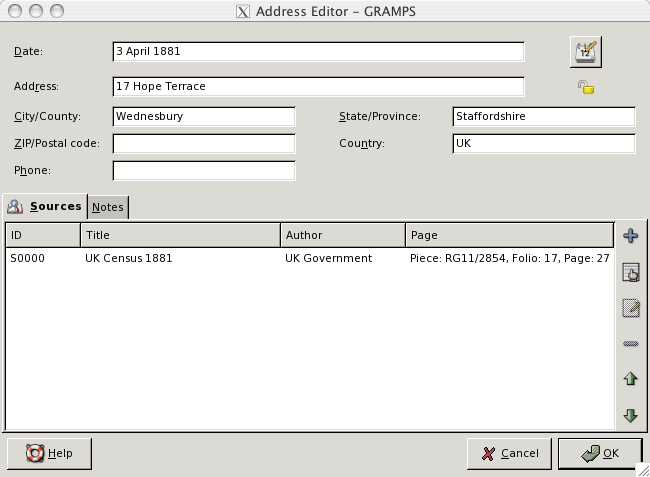
Address editor (3.0)


Column Editor

Relation reordering dialog

Exporter

Export assistant: GEDCOM options


Warning dialog

Duplicate family

Date Editor

nl

Dual date


Merge


Bookmarks


Search & Find


Clipboard


File Selector

Select file (nl)

Gramps Reports

Book

Book report


GV Family Line


GV RelationshipChart


Calendar

Calendar Paper Options

Calendar Document Options

Calendar Report Options

Calendar Text Options

Calendar Result


Ahnentafel

Descendants Chart

de

Birthday and Anniversary


Count Ancestors

Statistic Chart
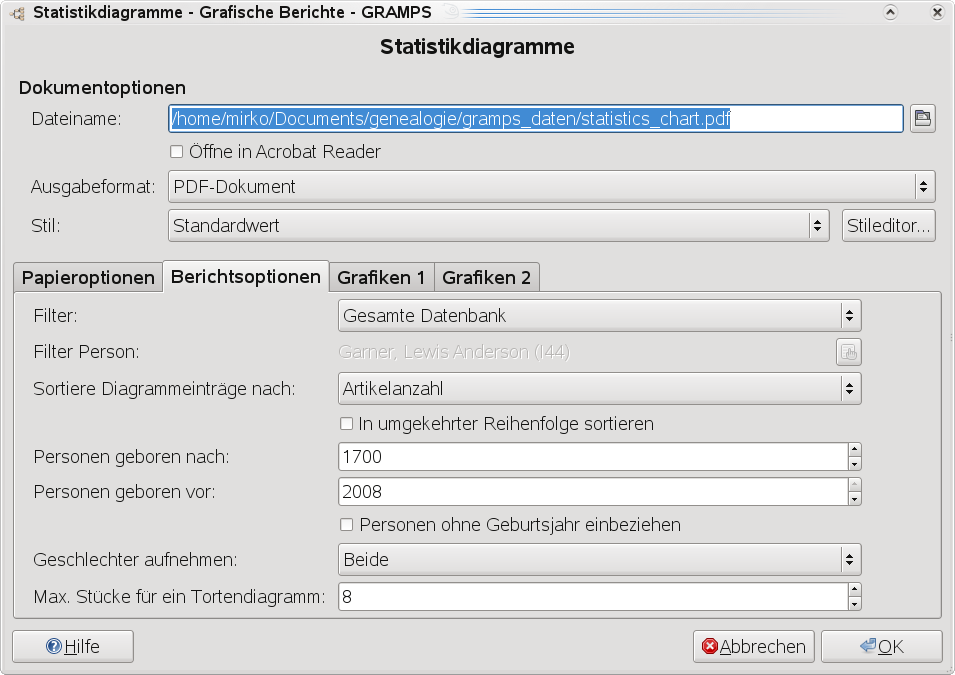
de

de


Gramps Tools
Interactive descendant browser

Soundex code Generator

NotRelated

Verify data

Media Manager

Calculate Estimated dates


Capitalization Name

Database owner


Researcher

2.x


Sort Events

Edit Preferences
General


General


Database
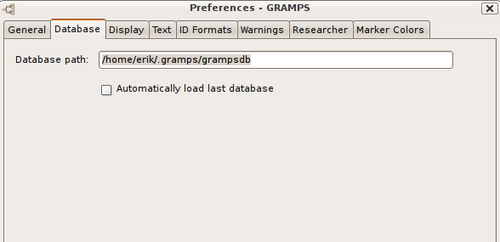
Database

Display

Text

Text

ID Formats

ID Formats


Warnings

Tag colors
Tags previously called Markers.

Marker Colors (Version 2.2.6 )